Written by
A1 Lab
2026-10-23
Introducing Echos
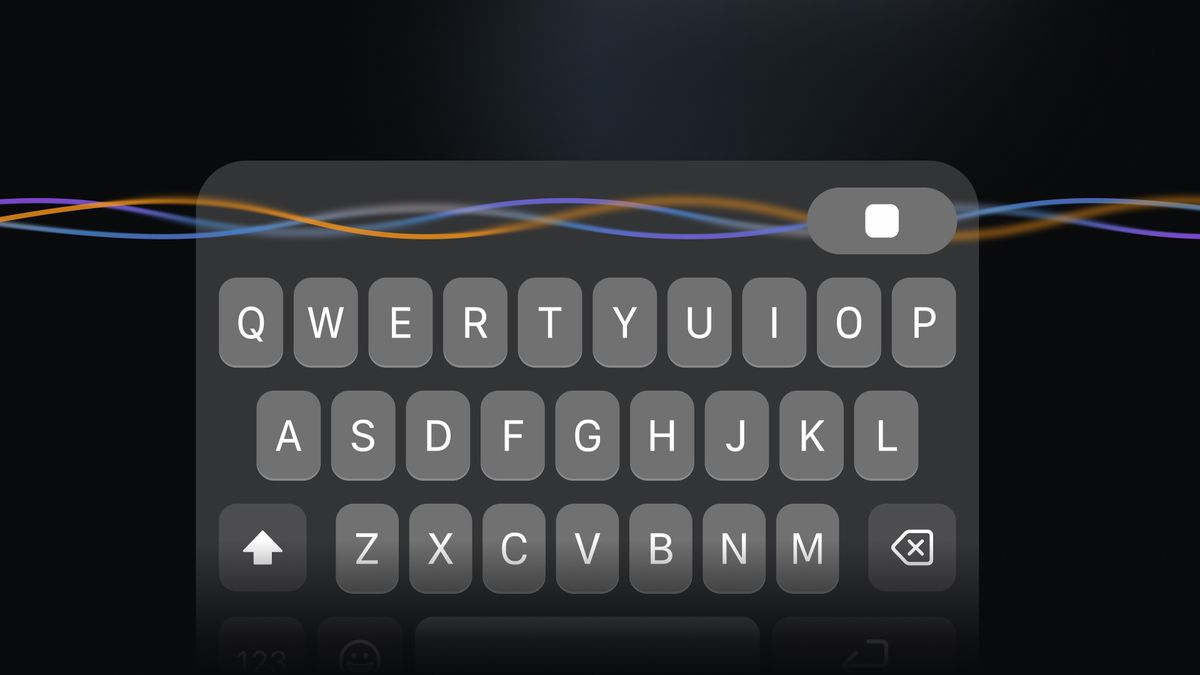
Echos now has its own keyboard!
With Echos 0.4.0, you can use your voice to write in the apps you use everyday. Reply to a message, draft an email, or get an idea down while it’s fresh. Your words go straight into the text field, with the same on-device speech processing that keeps your recordings private inside Echos.
This update also lets you transcribe existing audio files, organize sessions into folders, and export your notes as Markdown.
Meet the Echos Keyboard
Echos started with recording and transcriptions: capturing a meeting or a spoken thought as text you could use later. The new Echos Keyboard lets you put your voice to work in other apps too, composing emails, replying to messages, or entering searches. Local AI turns your speech into text right on your phone, so you can write with your voice without sending your recordings to a cloud service.
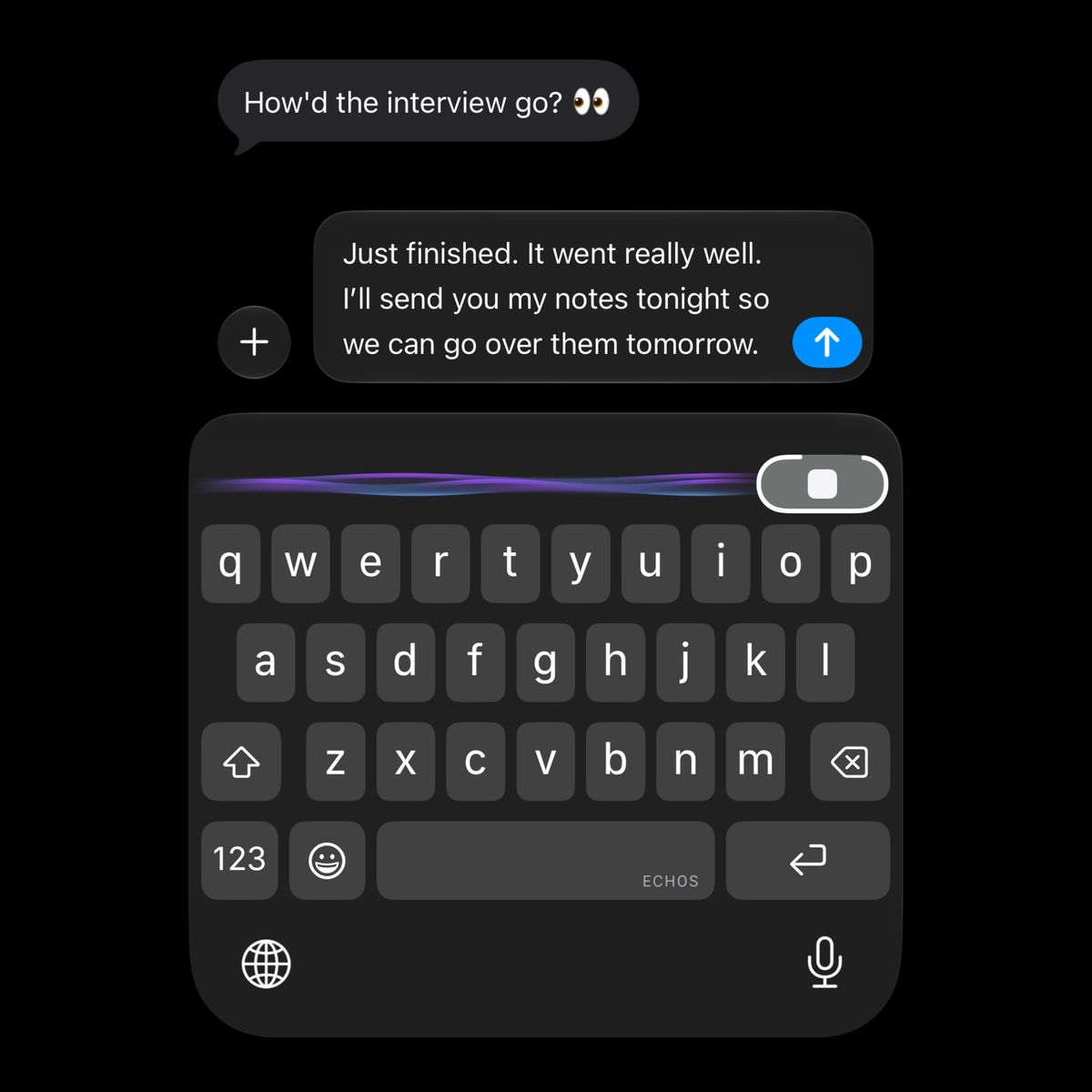
Enable the keyboard in your phone’s settings, then select Echos when you’re ready to write. Tap the microphone, say what you want to say, and tap again to stop. Echos transcribes your recording and inserts the words where your cursor is.
On iPhone, you can dictate directly from the keyboard while an Echos voice session is active. If you need to start a session, tapping the microphone opens Echos; return to your previous app and tap the microphone again to dictate. Sessions stay ready for five minutes by default, and you can adjust this in Echos settings. Audio between dictations is discarded.
The Echos keyboard is built for everyday typing too. Contextual autocorrect helps fix mistakes using the words around them, next-word suggestions keep you moving, and a personal dictionary learns the words you use. An emoji picker with search makes finding the right reaction easy. Use your voice for longer thoughts and the keys for quick edits.
Speech recognition, autocorrect, and word suggestions all run on your phone. Your words stay on-device while Echos processes them.
Technical Notes
Building a keyboard that transcribes speech entirely on-device brought some technical challenges. On iPhone, recording and transcription run in the main Echos app because Apple doesn’t allow third-party keyboards to access the microphone directly. The app needs to stay running in the background, so starting a voice session involves briefly opening Echos before returning to your other app. That extra step lets Echos support local, offline voice typing within Apple’s restrictions.
Making everyday typing feel familiar took work too. Apple’s keyboard is closed source, so we had to study and recreate its design and behavior, including details that are easy to overlook: touch targets that account for slightly misplaced taps, and different layouts for email addresses, URLs, and numeric fields.
Autocorrect was another challenge, especially while keeping the keyboard fast and responsive. We fine-tuned a small transformer model to rank correction suggestions and embedded it directly in the keyboard extension, so it runs locally as you type. We’re still working to bring autocorrect closer to the native iOS experience, with further improvements planned for upcoming releases. It also adapts over time as it learns the words you use.
Do More With Your Recordings
Have an interview or meeting recorded in another app? You can now import that audio into Echos and turn it into a transcript, with all speech processing happening on your phone. Audio import supports familiar formats including MP3, M4A, WAV, FLAC, and more, so you can work with recordings you already have.
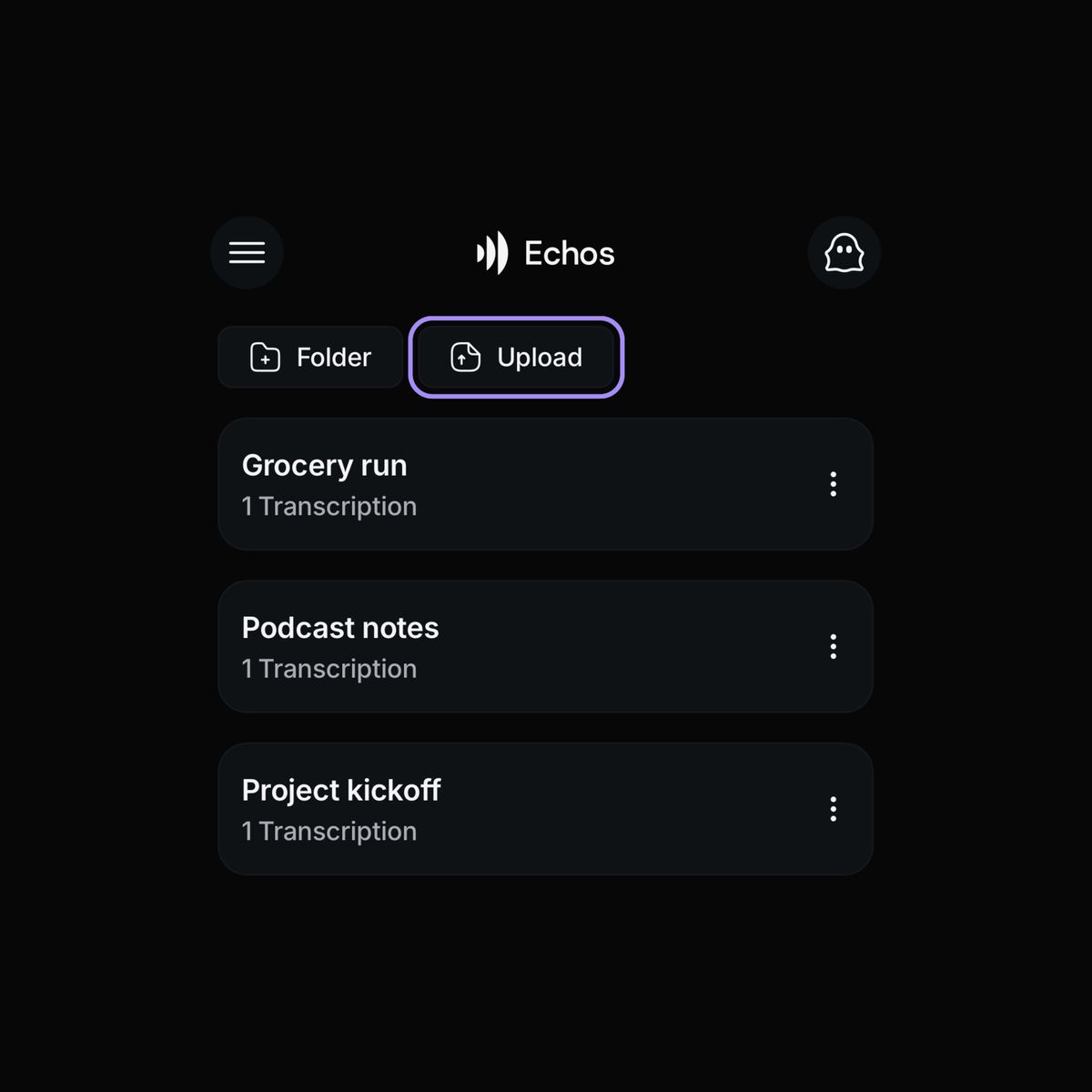
You can also import text from .txt and .md files into your sessions, then add to those notes with voice transcriptions. Start with an outline or background research, talk through your ideas, and export everything as a Markdown file to use with your preferred AI tool.
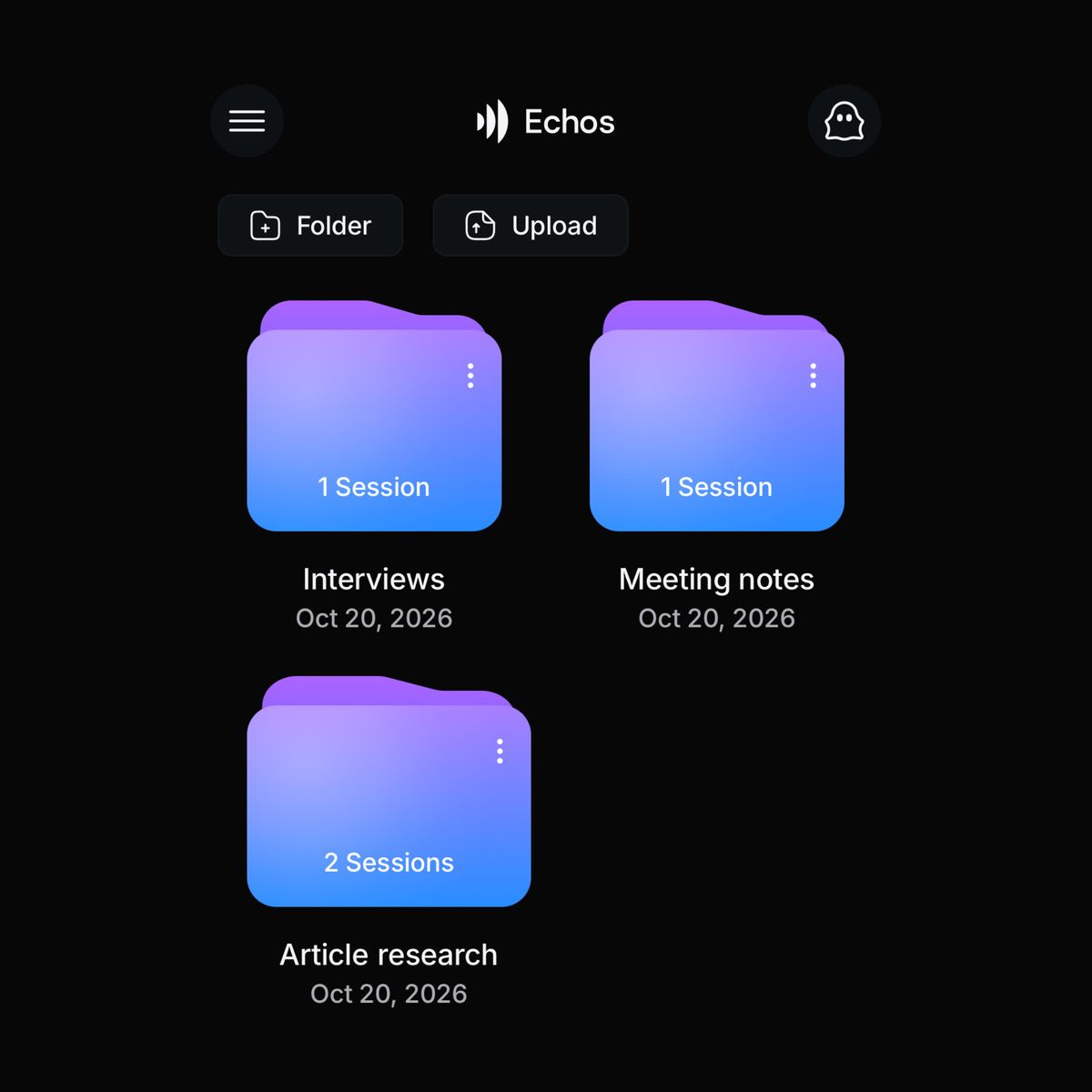
New folders let you group sessions by project, topic, or whatever makes sense to you. Keep interviews for an article together, or collect meeting notes for a project in one place. Open a transcript in the updated editing screen to correct a name or clean up a sentence, and use the new merge action to combine separate fragments into one item. When you’re ready to use the text elsewhere, export sessions as Markdown files or copy and share their text. That gives you a path from a recording to organized notes you can bring into your next piece of work.
We’ve also made recording settings easier to reach. Swipe up on the record button to choose your spoken language and switch between real-time transcription, which turns speech into text as you talk, and high-accuracy mode, which records first and transcribes afterward.
Lock Your Notes
Echos 0.4.0 adds an optional app lock. Enable it to require Face ID or fingerprint authentication when opening Echos, keeping your recordings and transcripts private when someone else uses your phone.
Try It on Your Next Message
Download or update Echos, enable the keyboard, and try writing your next message with your voice. You’ll also have new tools to transcribe existing recordings and organize the notes you keep. Echos is free and open source, with AI that processes your speech right on your device.

