Written by
Tobias Wupperfeld
2026-04-16
Can Your Device Run Local AI?
Running AI locally is the only verifiable way to keep your data private. But knowing which model will actually work on your hardware has always required guesswork, spec-sheet research, and more than a few failed downloads. The AI Hardware Calculator changes that.
Why This Is Harder Than It Looks
There are now countless models to choose from, and without a deep technical background, it is hard to know which specs actually matter and which models your machine can realistically run. Model names, quantization formats, context windows, memory requirements, and bandwidth: it gets confusing fast.
Many people fixate on VRAM when thinking about local AI hardware, and it does matter. If a model does not fit in memory, it will not run. But VRAM alone is not the whole picture.
Memory bandwidth, which is the speed at which data moves between memory and the chip, also has a major impact on performance. AI models constantly pull data from memory while generating output, so even if a model fits, lower bandwidth can still make it feel slow in practice. That is why spec sheets alone do not tell the whole story.
What the AI Hardware Calculator Does
That is why we built the AI Hardware Calculator: a simple tool that shows which open-source AI models your device can handle, and how well. It detects your hardware, estimates performance, and gives you a clear grade from S through F so the results are understandable at a glance.
The calculator runs entirely in your browser. No data is sent to a server. If you want to verify that for yourself, you can load the page, disconnect from the internet, and keep using it.
Two Ways to Use It
The calculator offers two input modes.
- Auto Detect reads your machine's hardware straight from the browser and fills in your specs automatically.
- Manual Entry lets you plug in your own numbers, which is useful for testing a hypothetical system or comparing devices before you buy.
Example: Checking a Mac Mini
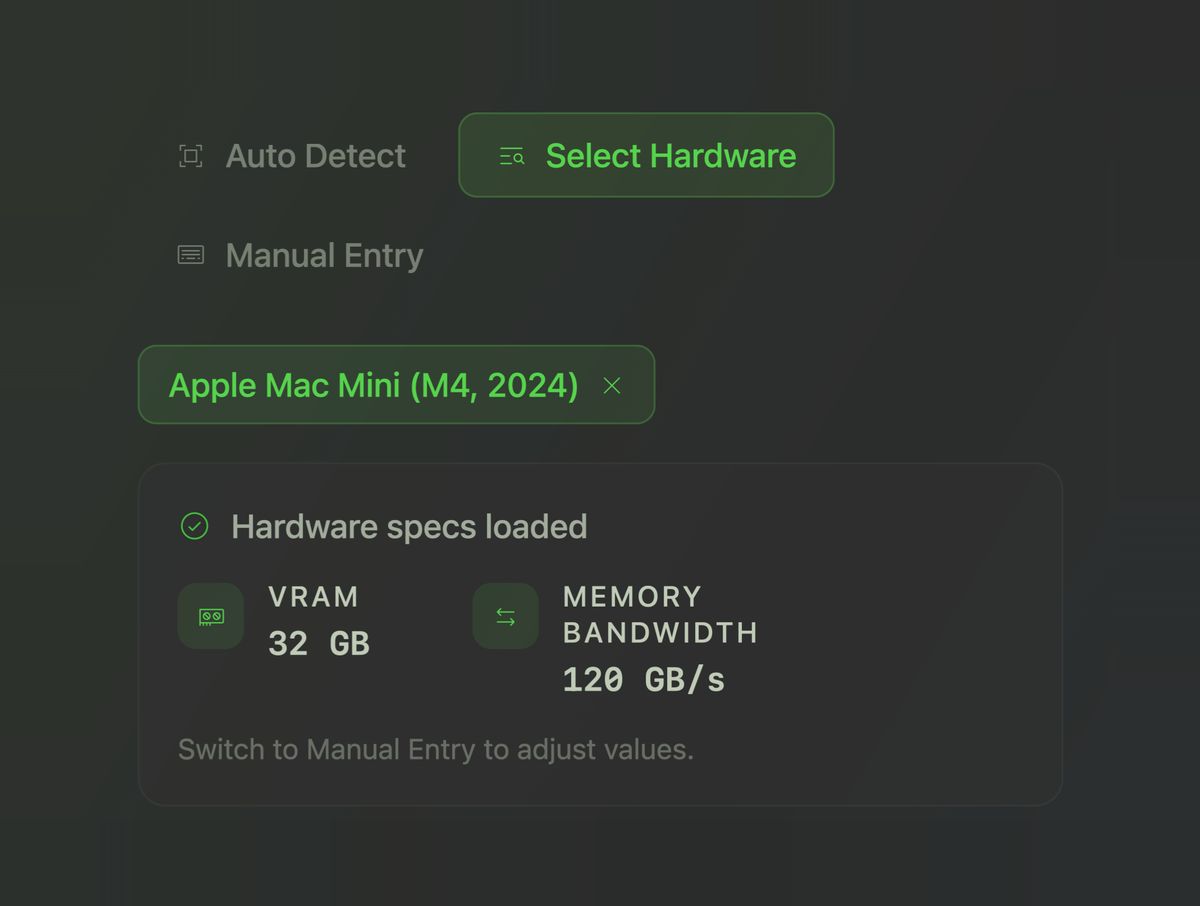
To give a concrete example, say you are considering a Mac Mini (M4, 2024) to run a local AI agent. You can select that machine directly, and the calculator will load the relevant specs, including memory and bandwidth.
Choose the Model Size
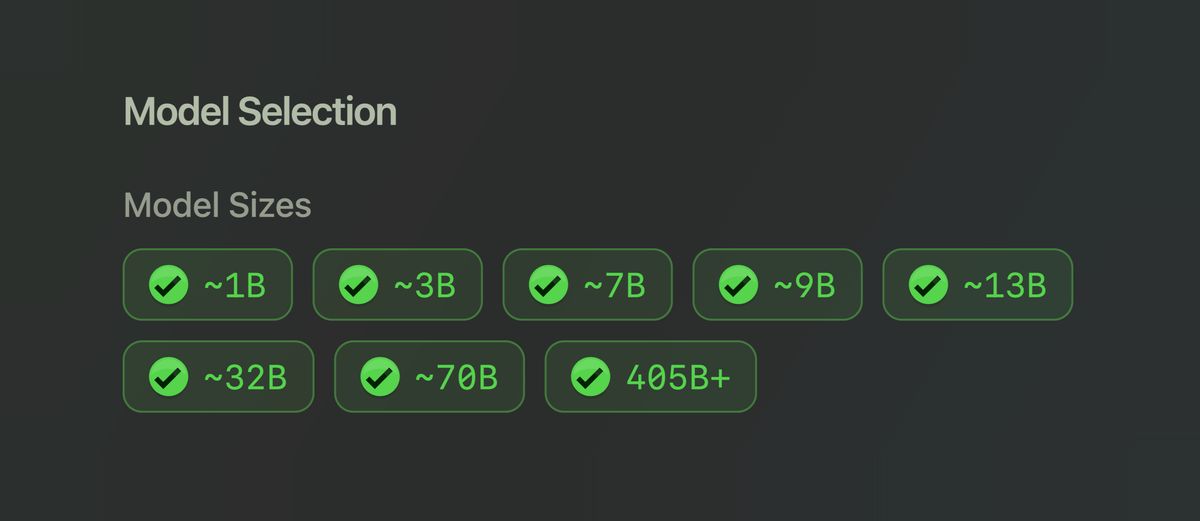
From there, you choose the model sizes you want to see, grouped by parameter count. Larger models tend to be more demanding, and usually, though not always, more capable.
Choose Quantization Level
Next, you choose a quantization level. If that term sounds technical, the simple version is this: quantization is just a compression level. More compressed versions use less memory and are easier to run, while less compressed versions preserve more quality but are heavier.
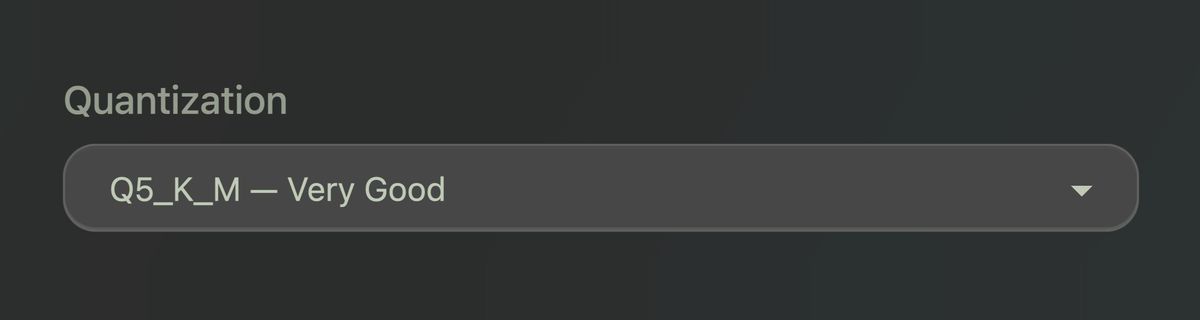
In practical terms, the levels break down like this:
- Q2_K - Heavily compressed, lowest quality
- Q4_K_M - Compressed, good quality
- Q5_K_M - Less compressed, very good quality
- Q6_K - Lightly compressed, excellent quality
- Q8_0 - Very lightly compressed, near-original quality
- FP16 - Full precision, biggest and heaviest
Dense vs. MoE
You can also filter by architecture. The calculator keeps this simple and shows the two main categories most people need to care about: Dense and MoE.
A dense model uses the whole model for every token it generates. An MoE model, short for Mixture of Experts, has multiple specialized components and only activates some of them at each step. MoE models can sometimes offer more capability for the hardware cost, while dense models are more straightforward to reason about.
What You Get After Clicking Calculate
Once you hit Calculate, the tool returns a list of compatible models and shows more than just whether they fit. It estimates speed in tokens per second, displays memory fit, and recommends the right quantization level for your hardware.
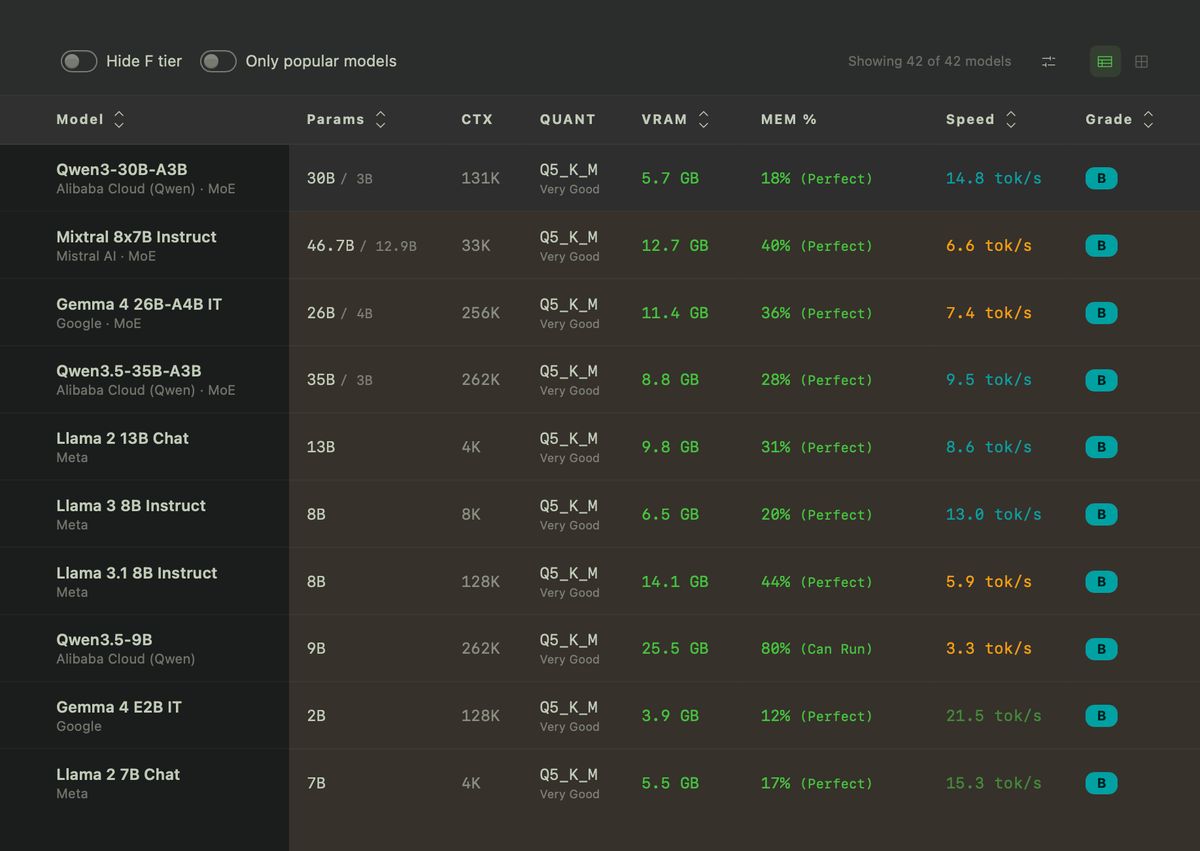
That last detail matters because "technically runs" is not the same thing as "runs well." A bad model choice can mean painfully slow output, constant memory pressure, or outright crashes.
To see a detailed breakdown of how the grades are calculated, click "How We Calculate" near the top of the page.
Why This Matters
Running AI locally only works if you choose a model that actually fits your hardware. The calculator helps you make that decision before you waste time downloading the wrong model or spend money on the wrong device.
If you are curious about local AI but do not want to spend hours decoding technical jargon first, the AI Hardware Calculator is a good place to start. It answers the most important question before you run anything: can my hardware actually handle this?

